
Email Deliverability: How Plain Text vs HTML Affects Your Inbox Placement
Modern spam filters treat plain text and HTML emails differently. Learn how email format affects deliverability and which to use for better inbox placement in 2026.
Email deliverability isn't just about hitting send. It's about making sure your message actually reaches your recipient's inbox. Whether you send plain text or HTML emails can significantly impact your success rate.
This guide covers how modern spam filters treat different email formats, why plain text emails usually have better deliverability, and when HTML is worth the risk.
Why Email Format Affects Deliverability
Modern spam filters analyze everything about your email, including its format and structure. The choice between plain text and HTML sends signals to email providers about what kind of message you're sending.
Plain text emails look like personal, one-to-one messages. HTML emails, with their images, colors, and formatting, signal that you're sending marketing content. That's not inherently bad, but it means your HTML emails face more scrutiny from spam filters.
Key Finding: Recent studies show plain text emails are less likely to trigger spam filters. Some reports show they can achieve approximately 42% higher open rates compared to HTML emails in certain contexts.
How Modern Spam Filters Work in 2026
Spam filtering has evolved dramatically. In 2026, email providers like Gmail, Outlook, and Apple Mail use AI-powered machine learning systems that analyze dozens of signals simultaneously.
The Shift to Machine Learning
Today's spam filters don't just look for "spammy words" anymore. They use machine learning models trained on billions of emails to detect patterns.
These systems analyze: - Sender reputation and authentication - Content and structure - Recipient engagement history - HTML complexity and code quality - Image-to-text ratios - Link patterns and destinations
The format of your email affects several of these signals.
Email Client Differences
Different email providers have different filtering approaches.
Apple Mail (56% of email consumption market share) tends to be more permissive with formatting but rewards simplicity.
Gmail uses aggressive filtering and often sorts marketing emails into the Promotions tab, where HTML emails with heavy formatting are more likely to land.
Outlook has strict filters that can flag HTML emails with broken code or suspicious formatting patterns.
Plain Text Email Deliverability Advantages
Plain text emails have a clear edge when it comes to reaching the inbox.
Simplicity Equals Fewer Red Flags
Plain text emails are inherently simple. There's no HTML code to break, no images to trigger filters, and no complex CSS that might look suspicious. This simplicity means fewer things can go wrong.
Research shows that plain text emails are significantly less likely to be flagged as spam. They load instantly, work across all devices, and email providers generally treat them as personal communication rather than bulk marketing.
When Plain Text Wins
Cold outreach: When you're reaching out to someone for the first time, plain text feels personal and authentic. HTML formatting immediately signals "mass email."
B2B Impact: Professional emails between businesses benefit from the personal touch of plain text. Studies show plain text emails achieve 23% higher open rates in B2B contexts.
Transactional messages: Simple confirmations, receipts, and notifications feel more authentic in plain text.
High reply rates: If you want recipients to respond to your email, plain text dramatically increases reply rates.
Plain Text Limitations
Plain text isn't perfect for deliverability: - Without tracking pixels, you lose the ability to measure open rates - You can't include compelling visual elements that might drive engagement
HTML Email Deliverability Challenges
HTML emails face more scrutiny from spam filters, but understanding the specific triggers can help you avoid problems.
Common HTML Spam Triggers
Email providers flag HTML emails for several reasons:
High image-to-text ratio: If your HTML email is mostly images, spam filters assume you're trying to hide spammy content from text-based filters.
Broken HTML code: Clean, valid HTML is essential. Broken tags can get your email marked as spam.
Excessive styling: Embedded JavaScript or unusual formatting structures raise red flags. Keep your HTML simple and standard.
Too many links: HTML emails packed with links, especially to different domains, trigger spam filters.
When HTML Is Worth the Risk
Despite the deliverability challenges, HTML emails make sense in certain situations:
Brand recognition: When you're emailing people who already know your brand, HTML helps with recognition and branding.
eCommerce: Product images and visual layouts are essential for showcasing items and driving purchases.
Newsletter subscribers: Subscribers who opted in for your newsletter expect formatted content with images and design.
Visual information: When the design itself carries important information that can't be conveyed in plain text, HTML is the right choice.
The Best of Both Worlds: Multipart MIME
You don't have to choose between plain text and HTML. You can send both in the same email using multipart MIME.
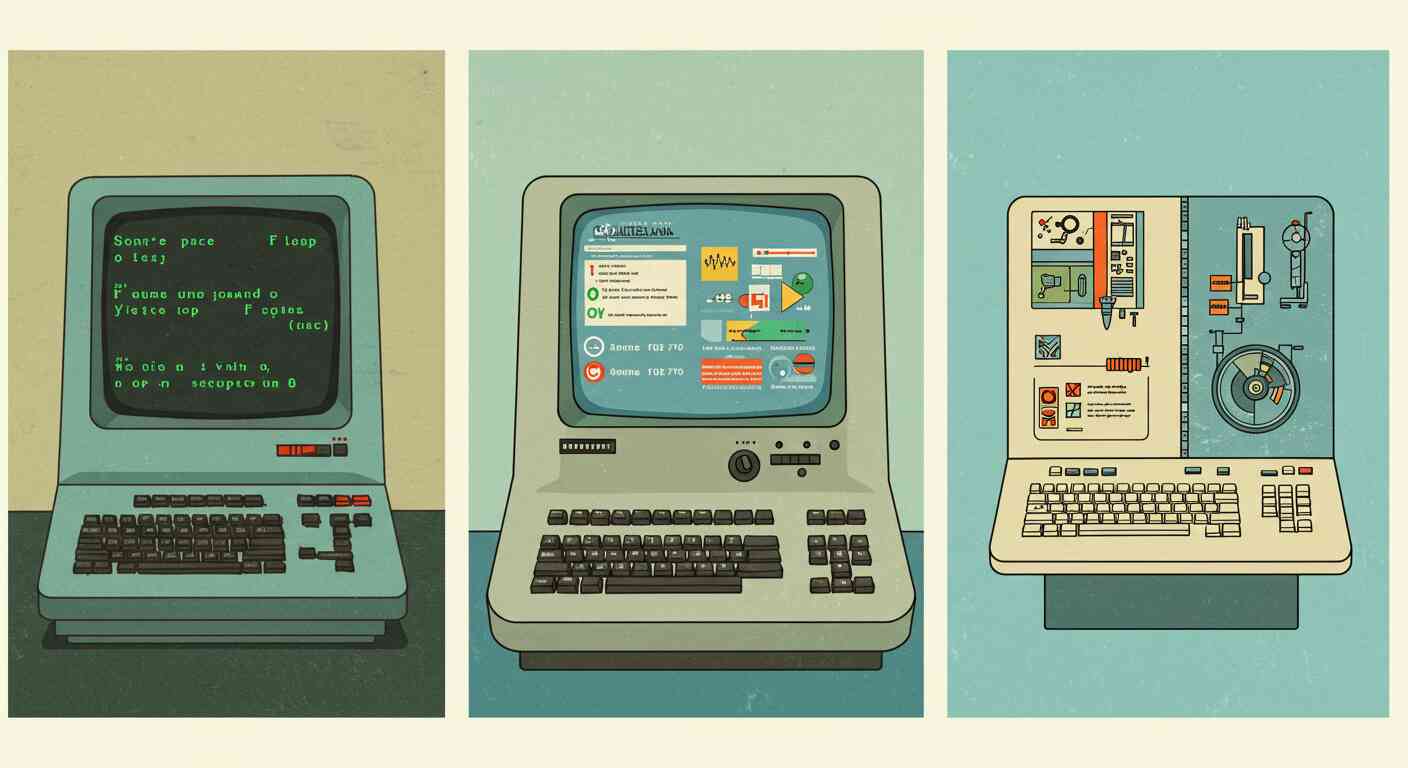
Pro Tip: Multipart MIME emails contain both a plain text version and an HTML version. The recipient's email client automatically displays whichever version it prefers.
This approach: - Signals to ISPs that you're following best practices - Ensures compatibility with all email clients - Provides a fallback for recipients with images disabled - Maintains accessibility for screen readers
Most email service providers make it easy to send multipart emails. They automatically generate a plain text version from your HTML, or let you customize both versions.
Email Client Market Share and Deliverability Impact
Understanding which email clients your audience uses helps you make format decisions.

Best Practices by Use Case
Your email format strategy should match your use case:
| Use Case | Plain Text Only | Simple HTML | Multipart MIME | Notes |
|---|---|---|---|---|
| Cold Email Outreach | ✓ | — | — | HTML signals bulk email and tanks deliverability |
| Marketing Campaigns | — | — | ✓ | Subscribers expect design, but include plain text fallback |
| Transactional Emails | ✓ | ✓ | — | Order confirmations, password resets - keep minimal |
| B2B Newsletters | — | ✓ | — | Minimal HTML that looks like plain text (HubSpot approach) |
| eCommerce | — | — | ✓ | Product images needed, but always include plain text version |
Further Reading
Want to dive deeper into email format decisions? Check out our comprehensive guide on plain text vs HTML emails for more details on performance, accessibility, and when to use each format.
For information on legal compliance requirements that affect deliverability, see our comprehensive email and data privacy compliance guide.